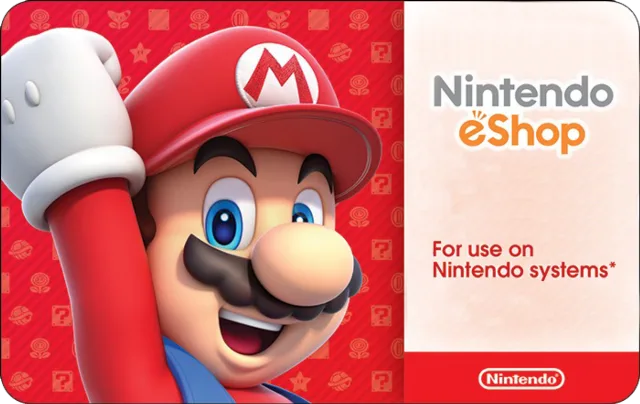
Why they'll love a Nintendo gift card
The perfect gift for anyone who loves to play—including you. Use these cards on Nintendo Switch, Nintendo 3DS, and Wii U systems.
- Delivered by email — nothing to ship
- Choose from 4 set values
- Add a personal message
- Pay with card, Apple Pay or Google Pay
How to redeem your Nintendo gift card+
Nintendo eShop Digital Cards are redeemable only through the Nintendo eShop on the Nintendo Switch, Wii U, and Nintendo 3DS family of systems. Digital Card balances can be shared across Nintendo Switch, Wii U and Nintendo 3DS family of systems, but may only be used on a single Nintendo eShop account.To learn more about the Nintendo eShop, visit nintendo.com/eshop. Detailed instructions for redeeming by device: Nintendo Switch1. If you haven’t already, set up an internet connection on your Nintendo Switch system. 2. Make sure your Nintendo Switch system has the latest system update.3. From the Nintendo Switch HOME Menu, select the Nintendo eShop icon. 4. Select “Enter Code.”5. Enter your download code and click “Send.” Nintendo 2DS/3DS/3DS XL1. If you haven’t already, set up an Internet connection to your system and make sure your device has the latest system update.2. From the HOME Menu, select the Nintendo eShop icon.3. Scroll left and select “Add Funds.”4. Select “Redeem a Nintendo eShop Card.”5. Tap the box that says, “Enter the activation code.”6. Use the touch screen to enter the activation code from the Digital Card and tap “OK.”7. Tap “OK” again. Wii U 1. If you haven’t already, set up an Internet connection to your system and make sure your device has the latest system update.2. From the HOME Menu, select the Nintendo eShop icon.3. Select “Balance” from the menu on the left side of the screen.4. Tap button that says “Nintendo eShop Card.”5. Tap the box that says, “Enter the code.”6. Use the touch screen to enter the activation code from the Digital Card and tap “OK.”7. Select “Add.” Your total balance cannot exceed $200.
Nintendo gift card terms & conditions+
Nintendo Prepaid Card• Redeem balance ONLY through the Nintendo eShop and other Nintendo shopping services, including Nintendo systems that offer access to the Nintendo eShop, to download content such as games and other features, or to purchase items (subject to availability). • Valid for use in the United States only.• Use of this card requires broadband Internet access, and acceptance of a User Agreement, and Privacy Policy. Please review the User Agreement at support.nintendo.com before purchasing.• Compatible accessories and software may be required to use certain downloaded content, and are sold separately.• When you enter the card’s activation code on the Nintendo eShop or other Nintendo shopping service, the card balance will be associated with your Nintendo eShop account and will be non-transferable. There will be no remaining balance on the card.• The card balance may only be used on a single Nintendo eShop account.• There is a maximum unused account balance that may be stored on a single Nintendo eShop account, and the card may, as a result, be temporarily unredeemable.• Card balances do not expire, and there are no fees associated with the card. This card is non-reloadable.• Card balances cannot be redeemed for cash or for third-party stored value, and are non-refundable unless required by law.• Card balances will not be replaced by Nintendo or your retailer if the card is lost or stolen. Do not buy this card if the silver area has been scratched off.• Please visit support.nintendo.com for more information. System Requirements:Supported Platforms: Nintendo Switch, Nintendo 3DS, Nintendo Wii U